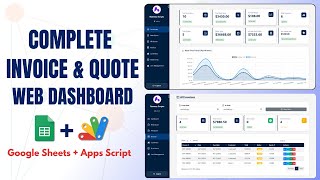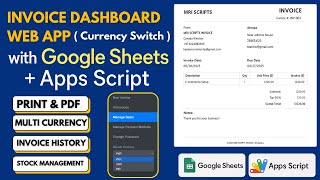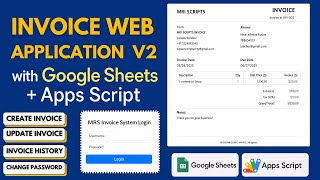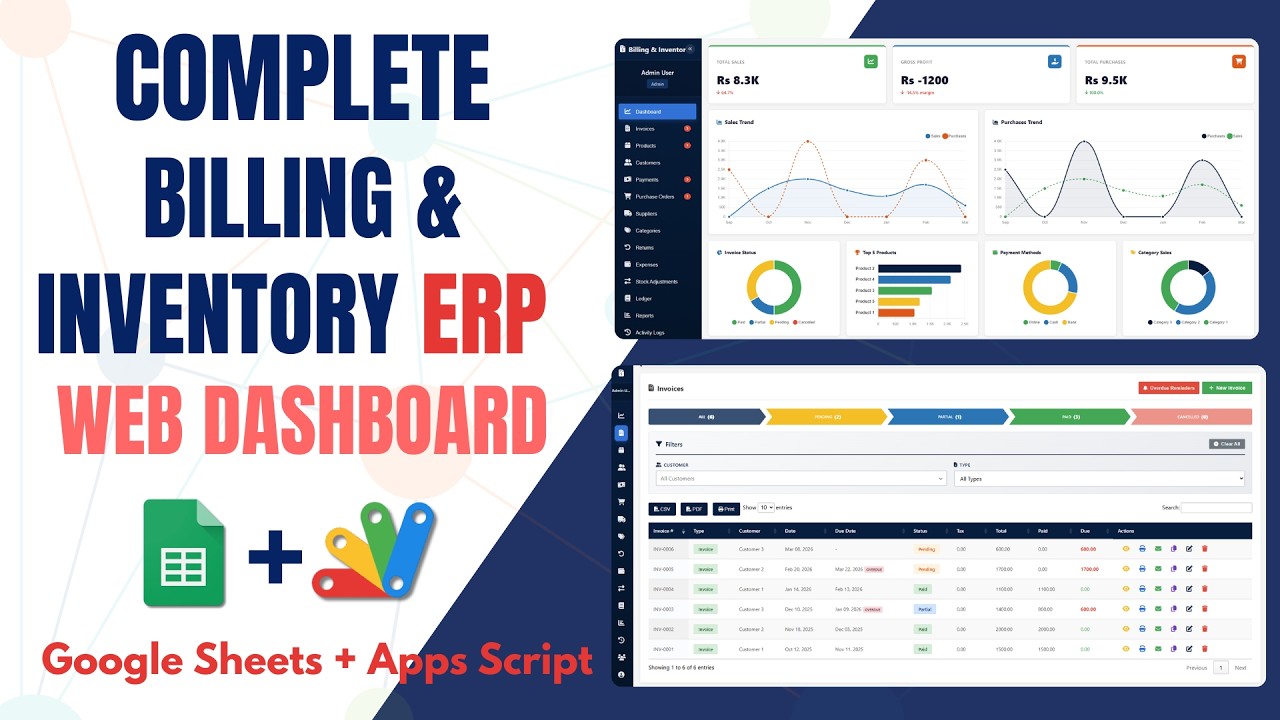
How to Build a Billing & Inventory System in Google Sheets - E47

E47 Dashboard Google Apps Script Invoice Management Premium Plan VIP Premium Plan
How to Build a Billing & Inventory System in Google Sheets - E47

How to Build a Billing & Inventory System in Google Sheets - E47

Dashboard Google Apps Script Invoice Management

What You Get

Code.gs FilesComplete Apps Script source code files
HTML FilesAll HTML template files included
Google SheetYour own copy with all data and scripts
Setup GuideStep-by-step video tutorials included
6 Months SupportBug fixes, tweaks, and guidance β€” all free
Free UpdatesAll future updates included at no extra cost
Regular License E47
Subtotal $1.99 USD
Card fee (10%) $0.20 USD
Total $2.19 USD
Other payment methods
Wise / Bank Transfer Β· via WhatsApp $1.99
Pay with Paytm / UPI
How to Build a Billing & Inventory System in Google Sheets - E47
β‚Ή169
Amount to pay
Scan to Pay
UPI ID
rameezscripts@ptyes
Our India-based representative handles all local payments:
Mr. Siva Reddy β€” Hyderabad, India
Govt. of India Registered β€” UDYAM-TS-20-0123279
How to pay
1 Scan QR code or copy UPI ID
2 Pay β‚Ή169 via Paytm / UPI
3 Enter transaction ID below
4 Submit below β€” admin verifies & grants access
Manual verification: Typically takes 10 to 30 minutes to verify and grant access during working hours.
Select your country from the list, then type your number without the country code.
Submitted for admin review Β· typically takes 10 to 30 minutes to verify
Payment Invoice
File How to Build a Billing & Inventory System in Google Sheets - E47
Code E47
Amount β‚Ή169
Payment Method Paytm / UPI
Pay with SadaPay
How to Build a Billing & Inventory System in Google Sheets - E47
Rs 597
Amount to pay
SadaPay Account
03435347417
How to pay
1 Scan QR code or copy the SadaPay account
2 Pay Rs 597 via SadaPay
3 Enter transaction ID below
4 Submit below β€” admin verifies & grants access
Manual verification: Typically takes 10 to 30 minutes to verify and grant access during working hours.
Select your country from the list, then type your number without the country code.
Submitted for admin review Β· typically takes 10 to 30 minutes to verify
Payment Invoice
File How to Build a Billing & Inventory System in Google Sheets - E47
Code E47
Amount Rs 597
Payment Method SadaPay
Pay with Binance Pay
How to Build a Billing & Inventory System in Google Sheets - E47
$1.99
Amount to pay Β· zero fee Β· instant
Binance Pay ID
766412546
How to pay
1 Open Binance app β†’ Pay
2 Scan QR or enter Pay ID
3 Send $1.99 (any supported crypto)
4 Copy Order ID from Binance receipt
5 Paste below & submit for verification
Manual verification: Typically takes 10 to 30 minutes to verify and grant access during working hours.
Select your country from the list, then type your number without the country code.
Submitted for admin review Β· typically takes 10 to 30 minutes to verify
Payment Invoice
File How to Build a Billing & Inventory System in Google Sheets - E47
Code E47
Amount $1.99
Payment Method Binance Pay
Pay with Cryptocurrency
How to Build a Billing & Inventory System in Google Sheets - E47
$1.99
Send exact amount in crypto equivalent
Pick one
Send to this address
15jjKnm6NgxN1Wgbfh7xdBWgbCFztHeNhE
Important: Send only the selected coin on its correct network. Sending on wrong network may result in permanent loss.
How to pay
1 Choose your preferred crypto above
2 Copy wallet address & send $1.99 equivalent
3 Enter transaction hash below
4 Submit below β€” admin verifies & grants access
Manual verification: Typically takes 10 to 30 minutes to verify and grant access during working hours.
Select your country from the list, then type your number without the country code.
Submitted for admin review Β· typically takes 10 to 30 minutes to verify
Payment Invoice
File How to Build a Billing & Inventory System in Google Sheets - E47
Code E47
Amount $1.99
Payment Method Cryptocurrency
Pay with PayPal
How to Build a Billing & Inventory System in Google Sheets - E47
$1.99
Amount to pay
Open PayPal Payment Link
How to pay
1 Send $1.99 to the PayPal email above
2 Note your PayPal transaction ID
3 Enter it below + upload screenshot
4 Admin verifies & grants access
Manual verification: Typically takes 10 to 30 minutes to verify and grant access during working hours.
Select your country from the list, then type your number without the country code.
Submitted for admin review Β· typically takes 10 to 30 minutes to verify
400+ PROJECTS DELIVERED Β· 5,000+ HAPPY CLIENTS WORLDWIDE

Need This Customized For Your Business?

We don't just deliver and disappear β€” every project comes with 6 months of free support. Bug fixes, small tweaks, and guidance included. Choose us without any worry.

5,000+
Happy Clients
24-72h
Fast Delivery
6 Months
Free Support
100%
Money Back
30 min
Avg. Reply

What We Customize

Features & Functions
Add new features, modify existing scripts, custom formulas & automations
API & Integrations
Connect with WhatsApp, Telegram, Payment Gateways, CRM & more
Design & UI Changes
Custom branding, layout redesign, dark mode, mobile optimization
Full Custom Projects
Dashboards, billing systems, inventory, CRM β€” built from scratch
Get Free Quote on WhatsApp

20-30% advance to start β€’ Clear pricing before we start β€’ 6 months free support after delivery

$2.19
USD Β· incl. card fee