








The third release of the dynamic CRUD app, and the point at which it stops being a data-entry form and becomes a dashboard. Charts, dependent dropdowns, coloured status badges and email alerts all come from the same spreadsheet configuration — not one line of code changes to get any of them.
Write pie chart, bar chart or line chart against a field in the form sheet and that field gets that chart on the dashboard. A category field becomes a pie of the category split; a date field becomes a line over time. Ask for two chart types on one field and you get both. For someone who needs a dashboard and cannot write charting code, this is the whole feature.
A field can name another field as its parent, with the child's values listed per parent value. Choose Sales and only the sales subcategories appear; choose HR and the list changes. Both sets live in the form sheet.
Version two granted edit and delete per user. This one goes further: an admin can name specific fields a given user may not edit. The field still appears when they add a record, but it is locked when they open one to edit — so a clerk can set a request date at entry and never revise it afterwards. Users are created from a Manage Users screen in the dashboard rather than by editing the sheet.
Creating or updating a record sends an email — to the user's own address and to any email captured on the form itself. And a Buttons sheet maps status words to colours, so paid, unpaid and pending render as green, amber and red badges everywhere they appear in the table.
The admin still loads any form sheet against any database sheet, users stay locked to their own pair, fields are still rows with types for text, number, date, dropdown and file, and the filter keyword still produces dropdown and date range filters. Column visibility is new, and passwords are still changed in-app.
| Version | v1.0 |
| Published | Aug 22, 2025 |
| Platform | Google Apps Script |
| Database | Google Sheets |
| Category | CRUD & Dashboards |
| Tags | |
| Video | Watch walkthrough |
| License | Regular License |
| Code.gs Files | Complete Apps Script source code files |
| HTML Files | All HTML template files included |
| Google Sheet | Your own copy with all data and scripts |
| Setup Guide | Step-by-step video tutorials included |
| 6 Months Support | Bug fixes, tweaks, and guidance — all free |
| Free Updates | All future updates included at no extra cost |
Extra modules, your branding, integrations or reports built on top of this file. You get a clear quote and timeline before any work starts, and support after delivery.
What We Customize
20-30% advance to start • Clear quote before work begins • Support included after delivery
What buyers of this file added to the same order
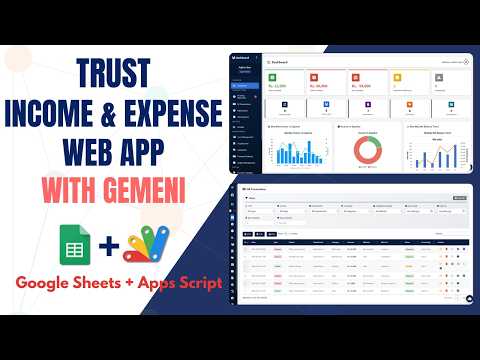
How to Build Income Expense System in Google Sheets with AI (2026) - E46
Bought with this one
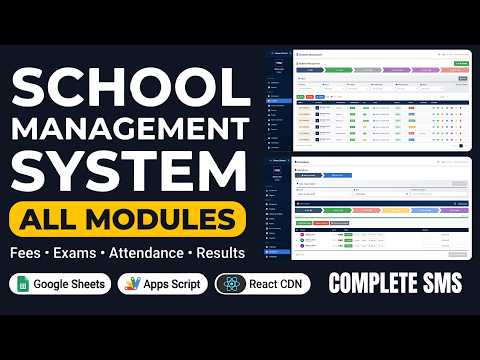
School Management System with All Modules | Fees, Exams, Timetable, Attendance & Hall Tickets
Bought with this one
Build a Complete Dynamic CRUD Web Dashboard using Google Sheets + Apps Script + React | E14
Bought with this one
What buyers and viewers say about Build a Dynamic CRUD Web App Dashboard: Admin & User Roles with Google Sheets & Apps Script | C46V3.