


 @subeesh_zeroo
via YouTube
@subeesh_zeroo
via YouTube
Best One 💥💥💥
1 like on YouTube

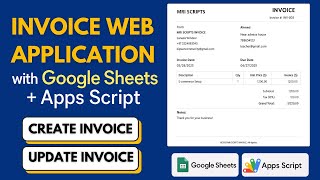
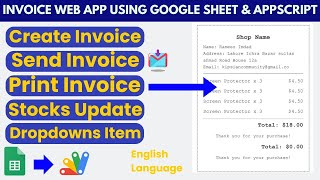
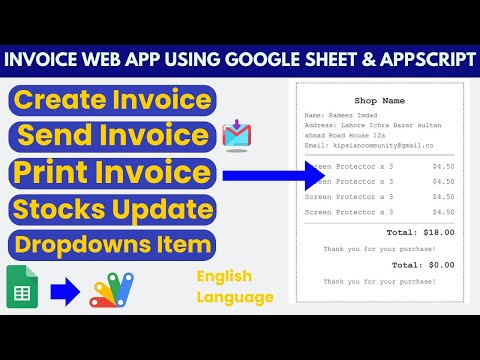
A complete invoicing system on Google Sheets: raise the invoice, take the payment against a ledger, watch the stock come down, and email the customer a PDF — without a subscription and without moving your data off your own Drive.
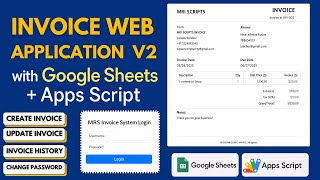
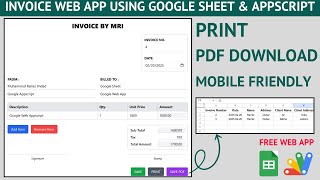
The date fills itself with today and the invoice and customer numbers increment from the last ones, so nothing is typed twice or duplicated by accident. Your own company details are set once in the code; the client's are entered per invoice. Items come from the product sheet carrying their available quantity, unit price and their own tax percentage, and the totals move as you change quantities. Invoice-level tax and a discount sit on top.
Payments are recorded against the customer with the method used, so each invoice shows what was received and what is still outstanding. Manual entries can be added, edited or deleted, and both the ledger and the invoice list filter by date range or by customer.
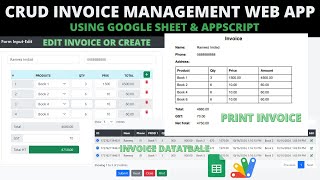
A user raises invoices and sees only their own. An admin sees every invoice in the business and also gets the management screens: products with a quantity-range filter and inline editing, users with roles, and access set to allowed or blocked so a departed employee is locked out in one edit. Everyone can change their own password.
Any invoice can be viewed, edited, printed, downloaded as PDF or emailed straight to the customer as a PDF attachment.
| Version | v1.0 |
| Published | Aug 22, 2025 |
| Platform | Google Apps Script |
| Database | Google Sheets |
| Category | Billing & Invoicing |
| Tags | |
| Video | Watch walkthrough |
| License | Regular License |
Extra modules, your branding, integrations or reports built on top of this file. You get a clear quote and timeline before any work starts, and support after delivery.
What We Customize
20-30% advance to start • Clear quote before work begins • Support included after delivery
Paid picks from the same category
What buyers and viewers say about Invoicing Web Dashboard App using Google Sheet and Apps Script ( Crud Invoice) | C23.
@subeesh_zeroo
via YouTube
 @likhanlpc3807
via YouTube
@likhanlpc3807
via YouTube
 @brenthalbach3645
via YouTube
@brenthalbach3645
via YouTube
 @graphicshacker7333
via YouTube
@graphicshacker7333
via YouTube
 @MuhammadTariq-rr6zj
via YouTube
@MuhammadTariq-rr6zj
via YouTube
 @krishnanmanoj1
via YouTube
@krishnanmanoj1
via YouTube
 @DailForHelpIndia
via YouTube
@DailForHelpIndia
via YouTube
 @daoodali6922
via YouTube
@daoodali6922
via YouTube
@daoodali6922
via YouTube
@daoodali6922
via YouTube