Need a customized project? We build it to your exact requirements.Contact us on WhatsApp

Free Repair Shop Management System – Google Apps Script

R51 Login & Authentication CRUD & Dashboards Premium Plan Weekly Plan VIP Premium Plan
❤️
Need a Custom Business Solution?
Connect with us on WhatsApp to discuss your requirements. Our team will design and develop a tailored software solution aligned with your business workflow, operational needs, and growth objectives.
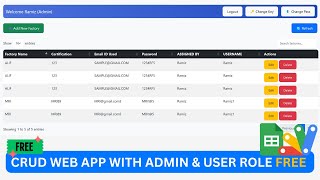
Admin dahboard with Login & Logut  System In Google Appscript | R51 | Admin Repair Dashboard
You get
  • Google Sheet link
  • Source code file
  • Resale rights
  • Edit rights
  • Setup guide
  • AI setup help

Key Features

Username and password login with logout Login history sheet stamped with date and time Admin full name and profile photo read from the sheet Dashboard counters for all processed and waiting jobs Repair notification form with details and photo upload Photos saved into a Drive folder you choose Before repair and after repair image pair per job Search a job by ID to update its status Warning popup before overwriting a processed job Separate tables for all processed and waiting items Printable job slip for the customer Count sheet driven by QUERY COUNTIF and COUNTA Mobile friendly Bootstrap layout Settings sheet for folder ID and notification switch

Description

R51 is an admin repair dashboard in Google Apps Script with a Google Sheet behind it. A customer drops an item off, you log it with a photo, and the dashboard shows how many jobs are in, how many are finished and how many are still waiting. When the work is done you search the job by ID, upload the after-repair photo, mark it processed and hand over a printed slip.

Login and admin profile

Usernames and passwords live in the Admin sheet, so you decide who gets in and reset a login yourself without touching code. Every sign-in is stamped into a Login sheet with the username and date-time. After login the header shows that user's full name and profile picture, both read from the sheet.

Before and after photos

The repair notification form takes the job details and an image. The image goes to a Drive folder whose ID you paste into Settings, so attachments stay in a folder you own. Each job carries two pictures: the condition it arrived in and the condition you returned it in.

Counts, tables and slips

A count sheet uses QUERY, COUNTIF and COUNTA to feed the dashboard boxes for all items, already processed and waiting for repair, with a table under each. Search an ID, change the status, upload the new image and the counters move on their own. Search a job already marked processed and the form warns you before overwriting it. Finished jobs print as a slip or save as PDF.

Yours to rename

Labels, headings and the login screen are plain HTML and CSS in the project files, so renaming All Items to whatever your shop calls it is a text edit. The layout is mobile friendly for checking counts on a phone.

Requirements

  • A Google account with Drive and Sheets
  • A copy of the provided spreadsheet
  • Apps Script editor access to paste the code files
  • A Drive folder for repair photos and its folder ID
  • Deploy as a web app for the people who need access

What's Included

  • Complete Apps Script code for the dashboard
  • Google Sheet with Login Admin Settings Data and Count tabs
  • Login page with admin profile and login history
  • Repair notification form with Drive image upload
  • Search and update screen for changing a job status
  • Three tables for all processed and waiting jobs
  • Printable job slip layout
  • Count formulas using QUERY COUNTIF and COUNTA
  • Setup notes for the Drive folder ID
  • Step-by-step video walkthrough of the full build
  • Free support from the developer

Item Details

Versionv1.0
PublishedAug 22, 2025
PlatformGoogle Apps Script
DatabaseGoogle Sheets
CategoryLogin & Authentication, CRUD & Dashboards
Tagsrepair shop management systemrepair shop management software freerepair service management systemrepair shop management system google sheetsadmin dashboard with login google apps scriptrepair job tracking google sheetscomputer repair shop management systembefore and after repair photos
VideoWatch walkthrough
LicenseRegular License
Subscription Verification Required
This is a free file. Subscribe to our YouTube channel to unlock the source code + Google Sheet. One click — no payment. Google only confirms you are subscribed.
Verify Now
Free download

Subscribe & Unlock Source Code

Subscribe on YouTube, then verify with one click. No payment, no card. Google is used only to confirm your subscription.

What you get

  • Code.gs + HTML filesThe complete Apps Script project
  • Google SheetYour own copy with the data
  • Setup guideInstall steps from start to finish

Not subscribed yet? Subscribe to our channel

Browse More Free Files

Need This Customized For Your Business?

Extra modules, your branding, integrations or reports built on top of this file. You get a clear quote and timeline before any work starts, and support after delivery.

400+
Projects Delivered
91+
Countries Served

What We Customize

Features & Functions
Add new features, modify existing scripts, custom formulas & automations
API & Integrations
Connect with WhatsApp, Payment Gateways, CRM & more
Design & UI Changes
Custom branding, layout redesign, dark mode, mobile optimization
Full Custom Projects
Dashboards, billing systems, inventory, CRM — built from scratch
Get Free Quote on WhatsApp

20-30% advance to start • Clear quote before work begins • Support included after delivery

Free
Source Code File

People choose these

Paid picks from the same category

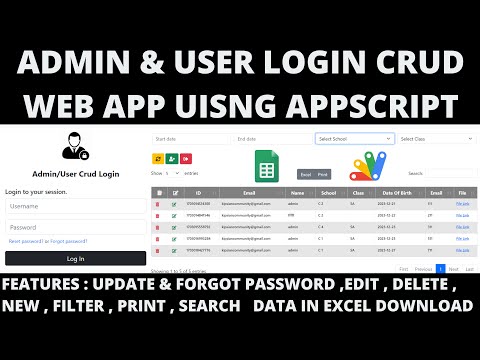
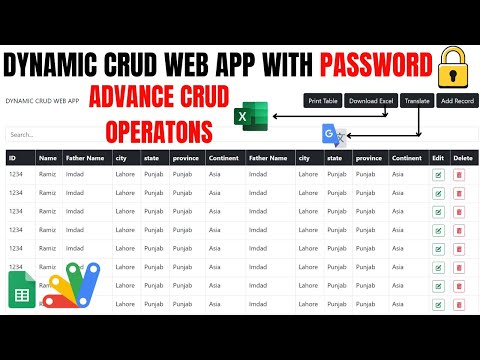
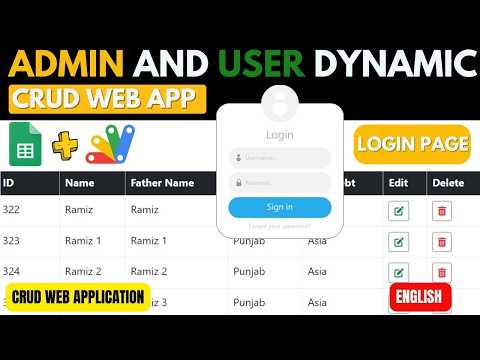
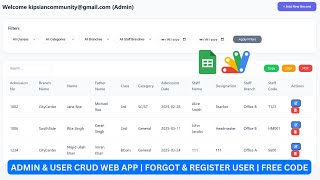
R12 | ADMIN & USER LOGIN CRUD WEB APP USING GOOGLE APP SCRIPT | LOGIN CRUD WEBAPP R12 | ADMIN & USER LOGIN CRUD WEB APP USING GOOGLE APP SCRIPT | LOGIN CRUD WEBAPP 31 views this month Apps Script DYNAMIC CRUD WEB APP WITH PASSWORD🔒USING GOOGLE SHEETS & APPSCRIPT | R36 DYNAMIC CRUD WEB APP WITH PASSWORD🔒USING GOOGLE SHEETS & APPSCRIPT | R36 28 views this month Apps Script ADMIN & USER LOGIN DYNAMIC CRUD WEB APP USING GOOGLE APP SCRIPT | LOGIN CRUD WEBAPP | B13 ADMIN & USER LOGIN DYNAMIC CRUD WEB APP USING GOOGLE APP SCRIPT | LOGIN CRUD WEBAPP | B13 29 views this month Apps Script

Reviews & Feedback

What buyers and viewers say about Admin dahboard with Login & Logut System In Google Appscript | R51 | Admin Repair Dashboard.

No star ratings yet Tap a star to be the first to rate it.
10 comments from
YouTube viewers
Sort
@etayojuanc via YouTube
I thank my friend Rameez for his contributions, they have helped me a lot in my projects. health and life Mohammad
1 like on YouTube
@thevendra8119 via YouTube
Can I have the source code I don’t have WhatsApp
1 like on YouTube
@Ahsan-Khan-e9j via YouTube
How to full view wev app script page on blogger, please make a video
@KhurshidAlam-ef3js via YouTube
kya mai is script ka use blogger me kr skte hai?
@technoblaze.official via YouTube
kindly share the source code if this is paid then how much in in indian rupees
@irfanchauhan495 via YouTube
Jazaak_Allah..... I appreciate my brother for your all efforts to help people in free... May Allah Bless You
@raymondreinhard2292 via YouTube
dude i have same kind of web app script with multiple page. But when i want to install table to other menu, its show error and i dunno how to fix it
@zohairdilawar116 via YouTube
Appreciate your efforts to teach new things and concepts. All the very best.
@arjunshakya1396 via YouTube
Very nice video
@ststech2k298 via YouTube
Nice video