


 @scholasticsurveillance
via YouTube
@scholasticsurveillance
via YouTube
Educational Project ❤️
1 like on YouTube

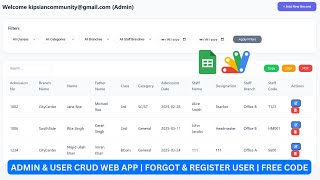
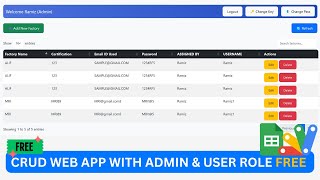
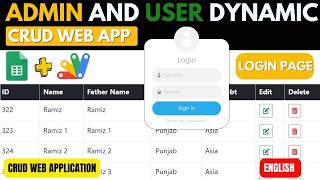
A CRUD app with accounts attached: an admin works across everybody's records, a user works only on their own, and both get the account tools a real system needs.
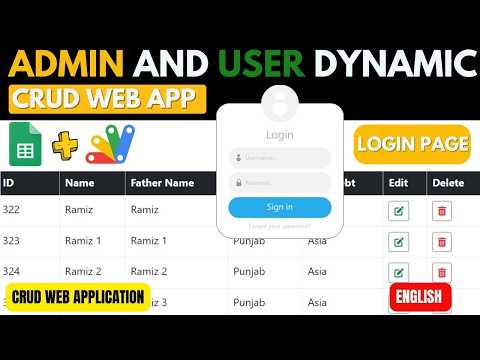
Sign in as an admin and every user's records are there to view, edit and delete. Sign in as a user and you see only what you entered — which you can add to, correct and remove. The separation is at the data, not the interface, so there is no filter a curious user can clear to see everyone else's entries.
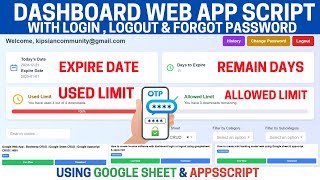
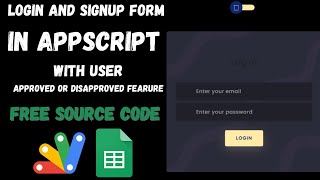
Two things most sheet-based CRUD builds leave out are here. Change password asks for the email, the old password and the new one twice, so a user maintains their own credentials. And forgot password sends their details to the registered email address, which removes you from the loop entirely — the single most common support request any login system generates.
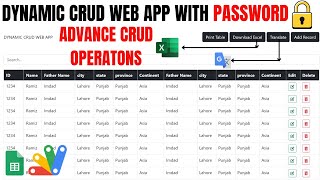
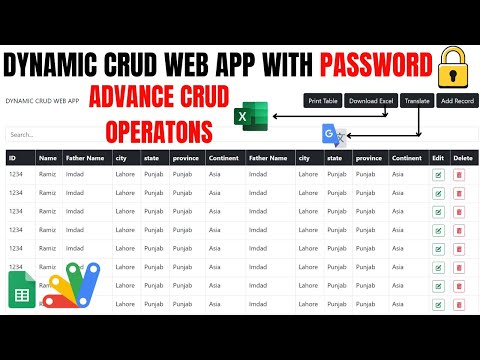
Filters for year and class narrow the list, with the options themselves coming from an Options sheet: add more values there, refresh, and the dropdowns grow. A name search sits alongside for going straight to one record. The result exports to Excel or prints.
Four files rather than two — the script, the page, a stylesheet and a JavaScript file that carries the login, reset, filtering and CRUD logic. That separation makes it a good base to extend: the behaviour you will want to change is in one place rather than scattered through the markup.
| Version | v1.0 |
| Published | Aug 22, 2025 |
| Platform | Google Apps Script |
| Database | Google Sheets |
| Category | Login & Authentication, CRUD & Dashboards |
| Tags | |
| Video | Watch walkthrough |
| License | Regular License |
Extra modules, your branding, integrations or reports built on top of this file. You get a clear quote and timeline before any work starts, and support after delivery.
What We Customize
20-30% advance to start • Clear quote before work begins • Support included after delivery
Paid picks from the same category
What buyers and viewers say about R12 | ADMIN & USER LOGIN CRUD WEB APP USING GOOGLE APP SCRIPT | LOGIN CRUD WEBAPP.
@scholasticsurveillance
via YouTube
 @sunny-uw9mw
via YouTube
@sunny-uw9mw
via YouTube
 @Educationtechwithafzal
via YouTube
@Educationtechwithafzal
via YouTube
 @rafikulislam6512
via YouTube
@rafikulislam6512
via YouTube
 @onenonlymovies
via YouTube
@onenonlymovies
via YouTube
 @govindtv2093
via YouTube
@govindtv2093
via YouTube
 @sakisnt450
via YouTube
@sakisnt450
via YouTube
 @subasubash2361
via YouTube
@subasubash2361
via YouTube
 @MaliturStudio
via YouTube
@MaliturStudio
via YouTube
 @tienpq
via YouTube
@tienpq
via YouTube
 @zohairdilawar116
via YouTube
@zohairdilawar116
via YouTube
 @abdelazizsaidi
via YouTube
@abdelazizsaidi
via YouTube