
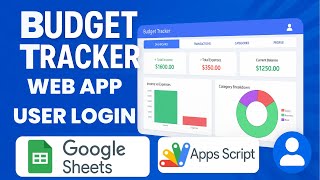
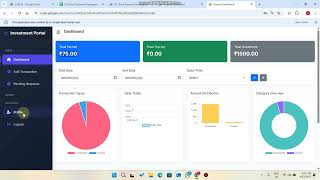
 @smr8854
via YouTube
@smr8854
via YouTube
Great work.

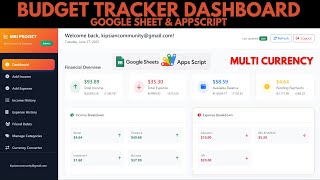
R41 is a personal finance tracker that takes one thing seriously most spreadsheet trackers gloss over: money in your hand and money in the bank are not the same money. The dashboard shows income, expenditure, cash and accounts as four separate figures, and you move between the last two deliberately rather than pretending they are one pot.
One form handles both. Choose the entry type — income or expenditure — and the record lands in the matching sheet. Category and payment method are dropdowns fed from the spreadsheet, so adding Freelance, Utility Water or a new payment method is a row you type, not a code change. Every field has to be filled before it will save, and before it does the app reads the entry back to you — type, category, payment method, date — and asks whether it is right. That confirmation is what stops a mistyped amount becoming a month of confusion.
Income defaults to cash. If it actually landed in a bank, you register that account with its balance and the Accounts tile totals your banks separately. Deposit and Withdraw move money between cash and an account, and the balances update as soon as you confirm — so the tracker reflects where the money actually is, not just how much there is.
Income and expenses each get their own report with the full history: type, category, date, description and amount. Search across them, then copy, download to Excel, export a PDF or print.
The whole dashboard sits behind a username and password, which matters for a file whose entire contents are your own finances.
| Version | v1.0 |
| Published | Aug 22, 2025 |
| Platform | Google Apps Script |
| Database | Google Sheets |
| Category | Accounting & Finance |
| Tags | |
| Video | Watch walkthrough |
| License | Regular License |
Subscribe on YouTube, then verify with one click. No payment, no card. Google is used only to confirm your subscription.
What you get
Not subscribed yet? Subscribe to our channel
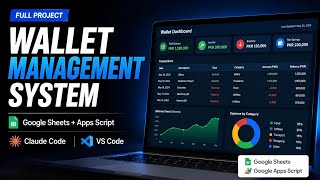
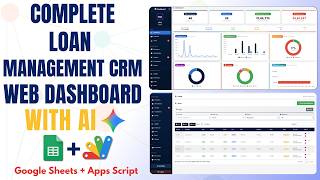

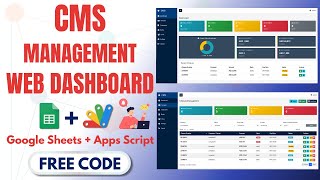
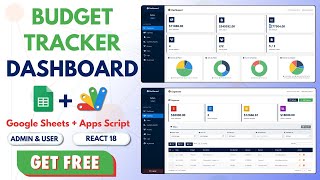
Extra modules, your branding, integrations or reports built on top of this file. You get a clear quote and timeline before any work starts, and support after delivery.
What We Customize
20-30% advance to start • Clear quote before work begins • Support included after delivery
Paid picks from the same category
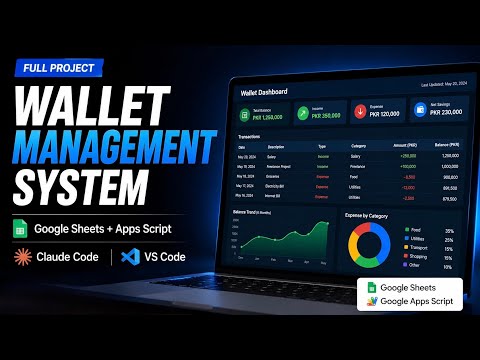 How to Build a Wallet Management System – Claude Code + Google Apps Script + Google Sheets
78 views this month
How to Build a Wallet Management System – Claude Code + Google Apps Script + Google Sheets
78 views this month
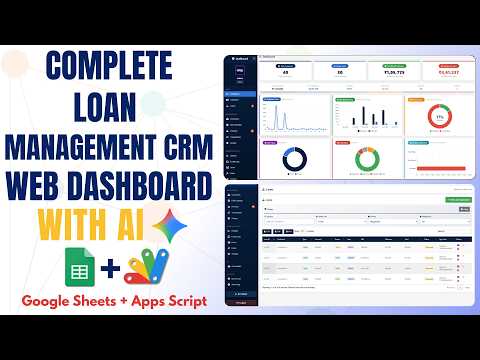 How to Build a Loan Management System with Google Apps Script & Google Sheets | E43
107 views this month
How to Build a Loan Management System with Google Apps Script & Google Sheets | E43
107 views this month
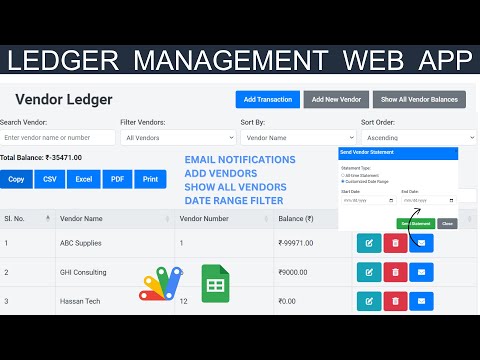 Vendor Ledger Web App with Google Sheets & Apps Script| Ledger Web App Dashboard | B48
31 views this month
Vendor Ledger Web App with Google Sheets & Apps Script| Ledger Web App Dashboard | B48
31 views this month
What buyers and viewers say about How to Build an Income and Expense Tracker Web App Using Apps Script | R41.
@smr8854
via YouTube
 @yusufisroil
via YouTube
@yusufisroil
via YouTube