
 @heintayzar2419
via YouTube
@heintayzar2419
via YouTube
Login form is work they show Login success but not open other link web

FREE027 changes what a login is for. Most login systems put everyone through the same door onto the same page. This one gives every account its own destination: the row that holds a person's username and password also holds a link, and logging in takes them straight to it.
User one signs in and gets their file. User two signs in and gets a different one. User three gets whatever URL you pasted against their row. The practical version of this is handing out personal documents at scale — a result card, a salary slip, a certificate, an invoice — without emailing anything or building a separate page per person. The link can point at a Google Drive file, a PDF or an image.
To change what somebody receives, you edit their link in the sheet. To give a new person access, you add a row with their credentials and their file. There is no upload step inside the app and no per-user page to build, so a hundred students is a hundred rows rather than a hundred jobs.
The earlier pattern in these files sends every successful login to one fixed page. That works when everyone should see the same thing and falls apart the moment they should not. This is the version for when each person's content is genuinely their own.
Copy the sheet, open Apps Script from Extensions, and replace the URL in the two marked places in the code. The login screen is plain HTML and CSS, so styling it to match a school or a company takes minutes.
| Version | v1.0 |
| Published | Aug 22, 2025 |
| Platform | Google Apps Script |
| Database | Google Sheets |
| Category | Login & Authentication, CRUD & Dashboards |
| Tags | |
| Video | Watch walkthrough |
| License | Regular License |
Subscribe on YouTube, then verify with one click. No payment, no card. Google is used only to confirm your subscription.
What you get
Not subscribed yet? Subscribe to our channel
Extra modules, your branding, integrations or reports built on top of this file. You get a clear quote and timeline before any work starts, and support after delivery.
What We Customize
20-30% advance to start • Clear quote before work begins • Support included after delivery
Paid picks from the same category
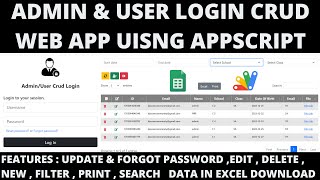
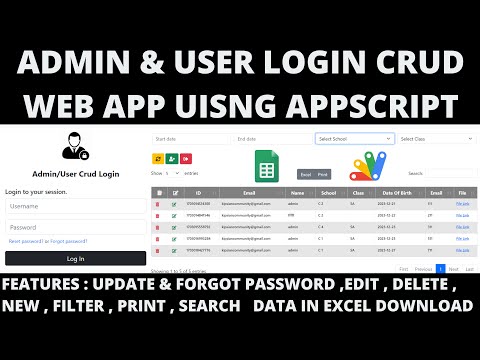 R12 | ADMIN & USER LOGIN CRUD WEB APP USING GOOGLE APP SCRIPT | LOGIN CRUD WEBAPP
29 views this month
R12 | ADMIN & USER LOGIN CRUD WEB APP USING GOOGLE APP SCRIPT | LOGIN CRUD WEBAPP
29 views this month
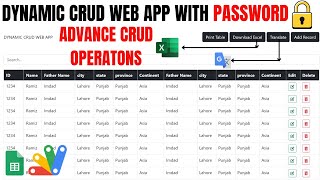
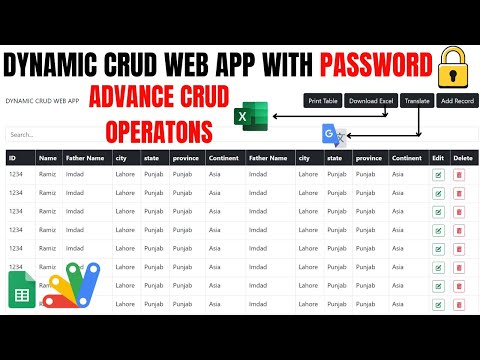 DYNAMIC CRUD WEB APP WITH PASSWORD🔒USING GOOGLE SHEETS & APPSCRIPT | R36
28 views this month
DYNAMIC CRUD WEB APP WITH PASSWORD🔒USING GOOGLE SHEETS & APPSCRIPT | R36
28 views this month
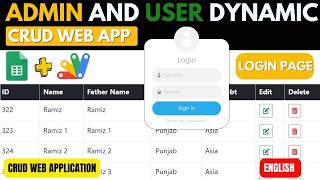
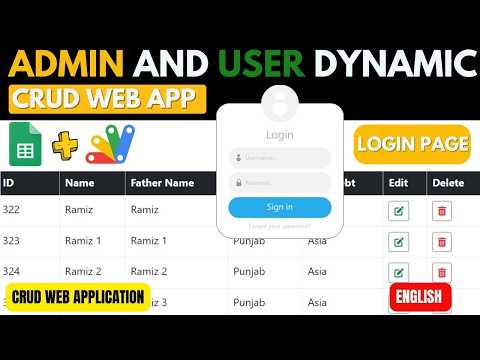 ADMIN & USER LOGIN DYNAMIC CRUD WEB APP USING GOOGLE APP SCRIPT | LOGIN CRUD WEBAPP | B13
29 views this month
ADMIN & USER LOGIN DYNAMIC CRUD WEB APP USING GOOGLE APP SCRIPT | LOGIN CRUD WEBAPP | B13
29 views this month
What buyers and viewers say about How to Create advanced Login System in Web Appscript | Get User Data After Sucessful Login.
@heintayzar2419
via YouTube
 @HerramientasDigitalesyalgomás
via YouTube
@HerramientasDigitalesyalgomás
via YouTube