


 @VishaljangidJngid
via YouTube
@VishaljangidJngid
via YouTube
Source code
1 like on YouTube

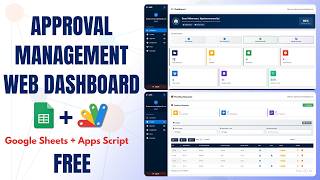
A submission-and-approval system with the boundary drawn in the right place: users can create and correct their own entries, but only an admin can decide what happens to them.
A user opens their own submission and can edit the details — the name, the activity, the location, the date. What they cannot see is the status control. It is not greyed out or hidden behind a warning; it is not rendered for them at all. The admin, opening the same record, gets Approved, Disapproved and Review. Uploaded files are also locked once submitted, so the evidence attached to a request cannot be quietly swapped after someone has looked at it.
Pending, Approved, Disapproved and Review. An admin works the pending list and moves each record into one of the others, with the dashboard counts following. A user sees their own counts on their dashboard — how many of their submissions are waiting, approved or refused — but not the queue itself, so nobody browses other people's requests.
Records carry the activity, location, programme, time and date, plus file attachments. Only images and PDFs are accepted — anything else is refused rather than uploaded and forgotten — and the files land in an assets folder in your Drive.
People can register themselves, with a duplicate email refused and a password rule requiring letters and numbers together. Admins manage the user list from inside the app: create, update, delete.
One thing worth knowing before you deploy: once a record is approved, reversing it is done in the sheet rather than in the interface. That is deliberate — an approval is meant to be final — but it is worth telling your admins.
| Version | v1.0 |
| Published | Aug 22, 2025 |
| Platform | Google Apps Script |
| Database | Google Sheets |
| Category | Project & Task Management |
| Tags | |
| Video | Watch walkthrough |
| License | Regular License |
Your features, branding and reports, built on this system. Free quote before any work starts.
Chat on WhatsApp
Extra modules, your branding, integrations or reports built on top of this file. You get a clear quote and timeline before any work starts, and support after delivery.
20–30% advance to start · Clear quote before work begins · Support after delivery
What we customize
What buyers of this file added to the same order
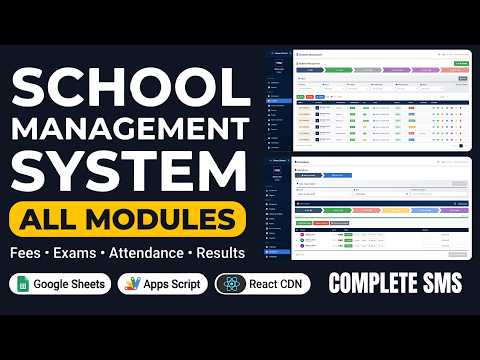 School Management System with All Modules | Fees, Exams, Timetable, Attendance & Hall Tickets
Bought with this one
School Management System with All Modules | Fees, Exams, Timetable, Attendance & Hall Tickets
Bought with this one
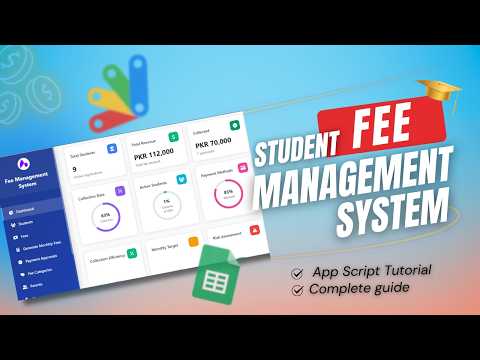 How to Build a Complete Student Fee Management System with Google Apps Script and React | D50
Bought with this one
How to Build a Complete Student Fee Management System with Google Apps Script and React | D50
Bought with this one
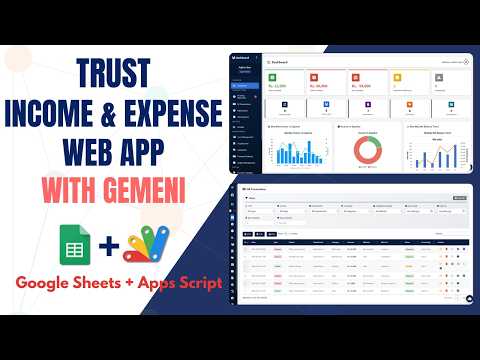 How to Build Income Expense System in Google Sheets with AI (2026) - E46
Bought with this one
How to Build Income Expense System in Google Sheets with AI (2026) - E46
Bought with this one
What buyers and YouTube viewers say about this project.
@VishaljangidJngid
via YouTube
 @mkmis8235
via YouTube
@mkmis8235
via YouTube
 @palashhaldar1605
via YouTube
@palashhaldar1605
via YouTube
 @sureshwasnik6033
via YouTube
@sureshwasnik6033
via YouTube
 @virenderdalal8904
via YouTube
@virenderdalal8904
via YouTube
 @arturasbialopetrovic
via YouTube
@arturasbialopetrovic
via YouTube
 @GMPMUSIC-d6r
via YouTube
@GMPMUSIC-d6r
via YouTube