
 @Zfilmnesia
via YouTube
@Zfilmnesia
via YouTube
How about to block opening another tab? can use it?

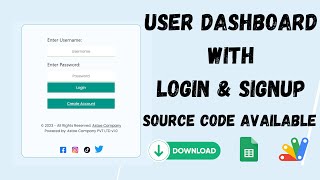
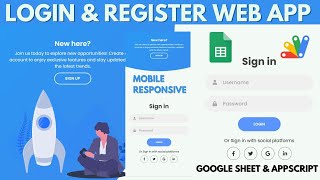
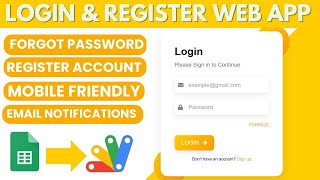
R28 is the login layer you bolt on before you build anything else. It has a sign-up form, a login form and three destinations — admin, employee and user — with a Google Sheet acting as the user database. Nobody has to hand-create accounts: a visitor registers themselves, and you decide afterwards what they are allowed to see.
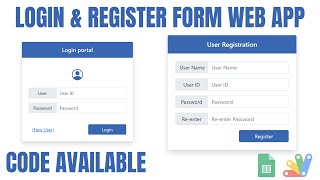
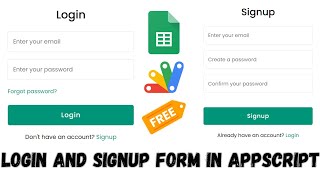
The sign-up form takes a username, an email and a password and writes the row straight into the sheet. Every new registration lands at user level on purpose — the system never lets somebody sign themselves up as an admin. To move a person up, you open the sheet and change their level to admin or employee. That is the whole administration process, and it means you can run the site without an admin screen at all.
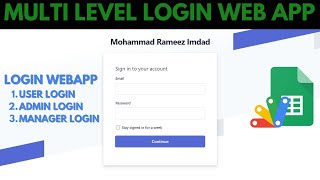
The login form reads the level from the sheet and opens the matching page. An admin lands on the admin page, an employee on the employee page, a user on the user page. Each of those pages is deliberately close to empty: they are the shells you drop your own tables, forms and reports into, so the access logic is already settled before you write a line of your own feature code.
A bad username or password does not silently return you to the form. It shows an error screen that says the details are wrong, and you refresh the page to get back to the login. Blunt, but nobody is left guessing whether the click registered.
Make a copy of the supplied sheet, open the Apps Script editor attached to it, and deploy it as a web app. The script travels with the copy, so there is no separate project to wire up. Everything after that — styling, extra fields, what each role actually sees — is yours.
| Version | v1.0 |
| Published | Aug 22, 2025 |
| Platform | Google Apps Script |
| Database | Google Sheets |
| Category | Login & Authentication, Forms & Data Entry |
| Tags | |
| Video | Watch walkthrough |
| License | Regular License |
Subscribe on YouTube, then verify with one click. No payment, no card. Google is used only to confirm your subscription.
What you get
Not subscribed yet? Subscribe to our channel
Extra modules, your branding, integrations or reports built on top of this file. You get a clear quote and timeline before any work starts, and support after delivery.
20–30% advance to start · Clear quote before work begins · Support after delivery
What we customize
Paid picks from the same category
 PHP MySQL CRUD Project with AI Form Builder — Login System, Admin Panel & Full Source Code
48 views this month
PHP MySQL CRUD Project with AI Form Builder — Login System, Admin Panel & Full Source Code
48 views this month
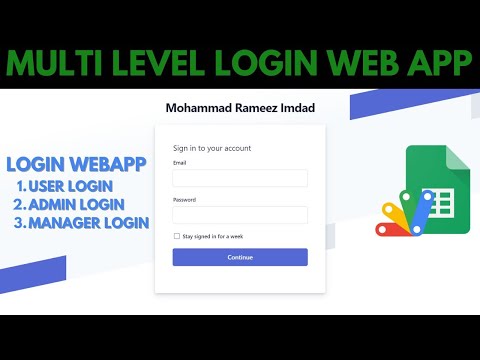 How to Create Multi-Level Login Form Using Google Sheets & Apps Script | B23
44 views this month
How to Create Multi-Level Login Form Using Google Sheets & Apps Script | B23
44 views this month
 Grocery Store POS System with Barcode Scanner | Google Sheet POS + Apps Script + AI
380 views this month
Grocery Store POS System with Barcode Scanner | Google Sheet POS + Apps Script + AI
380 views this month
What buyers and YouTube viewers say about this project.
@Zfilmnesia
via YouTube
 @HDBijoyDJ
via YouTube
@HDBijoyDJ
via YouTube
 @MuntadherImad
via YouTube
@MuntadherImad
via YouTube
 @kishordhumal588
via YouTube
@kishordhumal588
via YouTube
 @tahirjai
via YouTube
@tahirjai
via YouTube
 @krishnanmanoj1
via YouTube
@krishnanmanoj1
via YouTube
 @zohairdilawar116
via YouTube
@zohairdilawar116
via YouTube
 @excelshogbola2116
via YouTube
@excelshogbola2116
via YouTube
 @vishwanathranamale606
via YouTube
@vishwanathranamale606
via YouTube