





 @tahirjai
via YouTube
@tahirjai
via YouTube
Admirable projects,

A long registration form that does not look long. The questions are split across four steps, so the person filling it in sees six fields at a time instead of twenty-five in one intimidating column.
Abandonment is a length problem. A twenty-five-field form presented at once gets closed; the same fields across four short steps get finished, because each screen looks like nearly no work and the person is already committed by the time they reach the end. That is the entire reason this build exists.
First the person: name, email, phone, password with confirmation and an agreement checkbox. Then the organisation: business type from a dropdown you define, organisation name, role, preferences and a reference number. Then location: district, sub-district, area and province. Finally a confirmation screen showing their contact details back before they accept — so a mistyped phone number is caught by the person who made it rather than by you a week later.
The business type options are yours to change, so the same form serves a school admission, an agency signup or a supplier registration. Adding a field means extending the data object in the script and adding the input — the walkthrough shows exactly which line. A submission date is stamped automatically, and can be removed if you do not want it.
The deployed URL embeds by iframe into Blogger, WordPress or any page you can edit — the walkthrough demonstrates it live in Blogger. Styling uses Bootstrap with the CSS open to edit. One setup rule: the sheet name in the script must match your sheet tab exactly, or submissions error rather than save.
| Version | v1.0 |
| Published | Aug 22, 2025 |
| Platform | Google Apps Script |
| Database | Google Sheets |
| Category | Forms & Data Entry, CRUD & Dashboards |
| Tags | |
| Video | Watch walkthrough |
| License | Regular License |
Subscribe on YouTube, then verify with one click. No payment, no card. Google is used only to confirm your subscription.
What you get
Not subscribed yet? Subscribe to our channel

Extra modules, your branding, integrations or reports built on top of this file. You get a clear quote and timeline before any work starts, and support after delivery.
What We Customize
20-30% advance to start • Clear quote before work begins • Support included after delivery
Paid picks from the same category
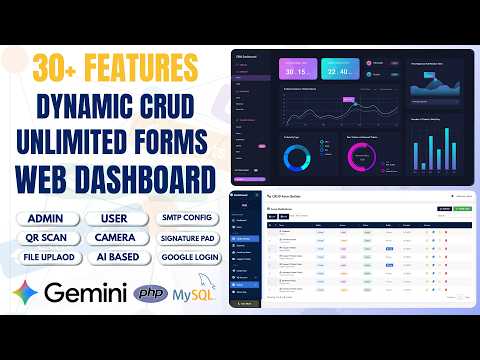 How to Build Unlimited CRUD Forms with AI — PHP MySQL Admin Panel - PHP2
95 views this month
How to Build Unlimited CRUD Forms with AI — PHP MySQL Admin Panel - PHP2
95 views this month
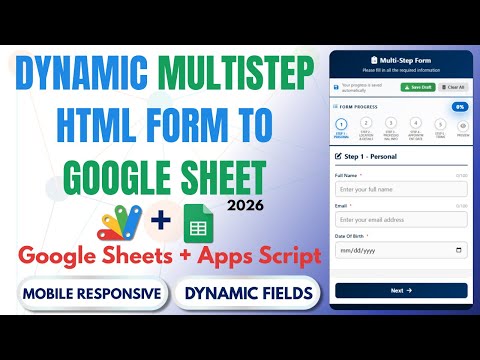 How to Create Multi-Step Form with Google Sheets & Apps Script 2026 | React Web App Tutorial | E26
54 views this month
How to Create Multi-Step Form with Google Sheets & Apps Script 2026 | React Web App Tutorial | E26
54 views this month
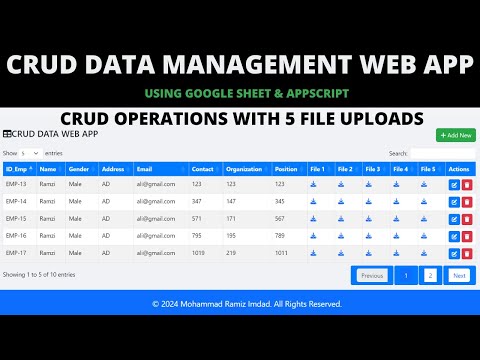 CRUD Management Web App with Google Apps Script | CRUD, File Upload & Google Sheets | B43
48 views this month
CRUD Management Web App with Google Apps Script | CRUD, File Upload & Google Sheets | B43
48 views this month
What buyers and viewers say about R1 | How to create a Multi-Step Form with Web Appscript.
@tahirjai
via YouTube
 @sunnilehza
via YouTube
@sunnilehza
via YouTube
 @zohairdilawar116
via YouTube
@zohairdilawar116
via YouTube
 @klintraday5369
via YouTube
@klintraday5369
via YouTube