
 @Nakato124
via YouTube
@Nakato124
via YouTube
This one ins the best free signature form I've seen.
1 like on YouTube

A form that takes a signature. The person fills in their details, signs with a finger or a mouse, and the signature is stored in your Google Sheet alongside everything else they entered.
A typed name is a claim; a drawn signature is a mark the person made. For consent forms, delivery acknowledgements, attendance at a session, policy sign-off or a service handover, the difference is what makes the record worth keeping. Here the pad sits in the form itself, works on a touchscreen as well as a mouse, and the captured signature goes into the sheet with the submission.
On submit the person is thanked and shown a unique ID for their entry, which they can copy. That gives them a reference to quote and gives you a key to find the record — without anyone having to search by name and date and hope there is only one match.
Required fields are enforced with an action-required message against whatever is missing, so a signed form with no phone number does not reach the sheet. The field rules are set in the code, so you can adjust which fields are mandatory for your own use.
The form carries a background image that changes on each load — or can be fixed to one image if you would rather it stayed consistent with your branding. The title and subtitle are editable, the layout uses Bootstrap, and frame embedding is allowed so it drops into your own website by iframe rather than living on a Google URL.
| Version | v1.0 |
| Published | Aug 22, 2025 |
| Platform | Google Apps Script |
| Database | Google Sheets |
| Category | Forms & Data Entry, CRUD & Dashboards |
| Tags | |
| Video | Watch walkthrough |
| License | Regular License |
Subscribe on YouTube, then verify with one click. No payment, no card. Google is used only to confirm your subscription.
What you get
Not subscribed yet? Subscribe to our channel
Extra modules, your branding, integrations or reports built on top of this file. You get a clear quote and timeline before any work starts, and support after delivery.
What We Customize
20-30% advance to start • Clear quote before work begins • Support included after delivery
Paid picks from the same category
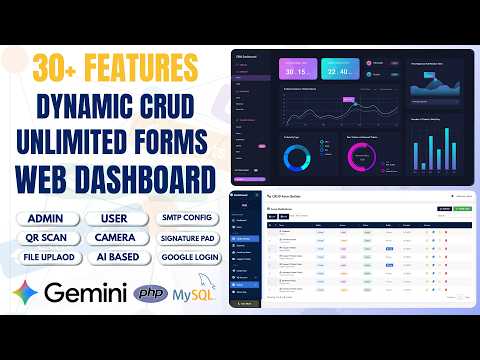 How to Build Unlimited CRUD Forms with AI — PHP MySQL Admin Panel - PHP2
95 views this month
How to Build Unlimited CRUD Forms with AI — PHP MySQL Admin Panel - PHP2
95 views this month
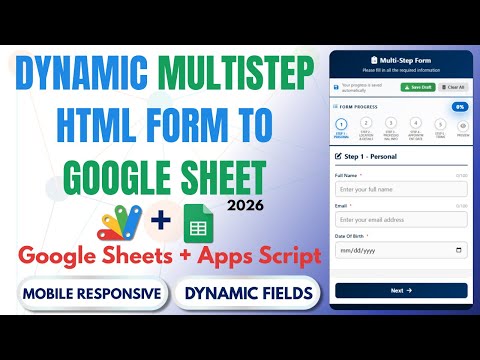 How to Create Multi-Step Form with Google Sheets & Apps Script 2026 | React Web App Tutorial | E26
54 views this month
How to Create Multi-Step Form with Google Sheets & Apps Script 2026 | React Web App Tutorial | E26
54 views this month
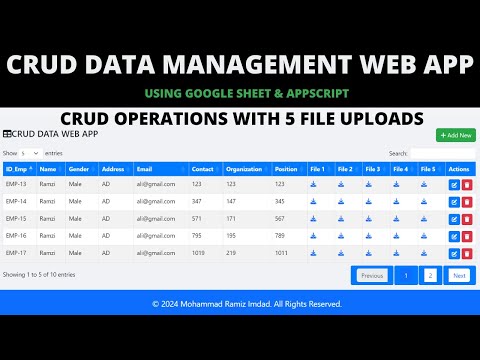 CRUD Management Web App with Google Apps Script | CRUD, File Upload & Google Sheets | B43
47 views this month
CRUD Management Web App with Google Apps Script | CRUD, File Upload & Google Sheets | B43
47 views this month
What buyers and viewers say about How to Build a Signature Pad Web App & Save to Google Sheets | R9.
@Nakato124
via YouTube
 @aditya12349
via YouTube
@aditya12349
via YouTube
 @thevendra8119
via YouTube
@thevendra8119
via YouTube
 @makelifeeasy1917
via YouTube
@makelifeeasy1917
via YouTube
 @krishnanmanoj1
via YouTube
@krishnanmanoj1
via YouTube