
Important Notice: Your success matters to us. If anything goes wrong after purchase, contact us on WhatsApp and we'll personally get it fixed.

How to Upload & Display Google Drive Pictures on Web App using Google Apps Script | B6

B6 Forms & Data Entry CRUD & Dashboards Premium Plan Weekly Plan VIP Premium Plan
❤️
Need a Custom Business Solution?
Connect with us on WhatsApp to discuss your requirements. Our team will design and develop a tailored software solution aligned with your business workflow, operational needs, and growth objectives.
How to Upload & Display Google Drive Pictures on Web App using Google Apps Script | B6

Key Features

Upload several images in one go Rename each image before it uploads Upload progress shown to completion Files saved into a chosen Google Drive folder Image URL and name written to the Google Sheet Image URL format that still renders inside a web app Folder ID and Sheet ID set as constants Uploaded images displayed back in the app Deploys as a Google Apps Script web app Free source code to copy and adapt

Description

Uploading an image to Google Drive from a web app is the easy half. Getting it to actually display afterwards is where most people lose an evening — and this covers both, with the URL format that still works.

The URL problem

Google changed how Drive serves images, and the links everyone learned first — the uc?id= and thumbnail forms — stopped rendering inside web apps. Photos upload fine and then show as broken icons, with nothing in the console explaining why. This build uses the current format, so an uploaded image displays where you put it.

Uploading properly

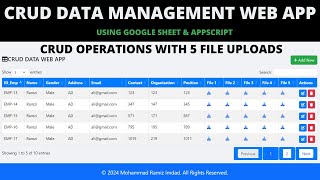
Several images go up in one action, and each can be renamed before it uploads — so a file called IMG_20240915_113422.jpg arrives in Drive as the product name, the employee name or the record it belongs to. A progress indicator runs to completion, because an upload with no feedback is an upload people cancel halfway. The files land in a Drive folder you nominate, and their names and URLs are written to your Google Sheet.

Setting it up

Two constants at the top of the script: your Drive folder ID and your Sheet ID. Replace them, save, deploy, authorise — that is the whole configuration.

What it is really for

Very few projects are only an image uploader. This is the piece you drop into a bigger build — product photos in an inventory system, student photographs on an admit card, ID scans on a guest register, evidence on a complaint form. Getting it right once saves it going wrong in every project after.

Requirements

  • A Google account (Gmail or Google Workspace)
  • Google Sheets, Google Drive and Google Apps Script — no hosting needed
  • A Drive folder for the uploads, and its folder ID
  • Your Sheet ID for recording the file names and URLs

What's Included

  • Complete Google Apps Script source code
  • Multiple image upload with per-file renaming
  • Upload progress feedback
  • Google Drive folder storage with the working image URL format
  • Image name and URL written to your Google Sheet
  • Display of the uploaded images inside the web app
  • Deployment and authorisation walkthrough
  • Step-by-step video walkthrough of the full build
  • Free support from the developer

Item Details

Versionv1.0
PublishedAug 22, 2025
PlatformGoogle Apps Script
DatabaseGoogle Sheets
CategoryForms & Data Entry, CRUD & Dashboards
Tagsupload image to google drive apps scriptdisplay google drive image in web appgoogle drive image url not workingmultiple file upload apps scriptapps script file upload to driveshow drive images on websiteimage upload google sheetsgoogle drive direct image link
VideoWatch walkthrough
LicenseRegular License
Subscription Verification Required
This is a free file. Subscribe to our YouTube channel to unlock the source code + Google Sheet. One click — no payment. Google only confirms you are subscribed.
Verify Now
Free download

Subscribe & Unlock Source Code

Subscribe on YouTube, then verify with one click. No payment, no card. Google is used only to confirm your subscription.

What you get

  • Code.gs + HTML filesThe complete Apps Script project
  • Google SheetYour own copy with the data
  • Setup guideInstall steps from start to finish

Not subscribed yet? Subscribe to our channel

Browse More Free Files

Need This Customized For Your Business?

Extra modules, your branding, integrations or reports built on top of this file. You get a clear quote and timeline before any work starts, and support after delivery.

400+
Projects Delivered
89+
Countries Served

What We Customize

Features & Functions
Add new features, modify existing scripts, custom formulas & automations
API & Integrations
Connect with WhatsApp, Payment Gateways, CRM & more
Design & UI Changes
Custom branding, layout redesign, dark mode, mobile optimization
Full Custom Projects
Dashboards, billing systems, inventory, CRM — built from scratch
Get Free Quote on WhatsApp

20-30% advance to start • Clear quote before work begins • Support included after delivery

Free
Source Code File

People choose these

Paid picks from the same category

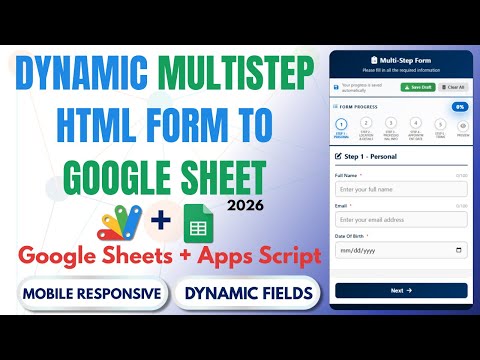
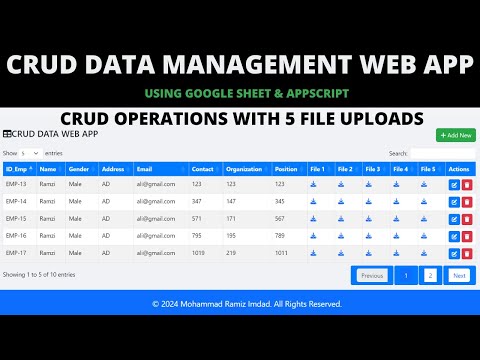
How to Build Unlimited CRUD Forms with AI — PHP MySQL Admin Panel - PHP2 How to Build Unlimited CRUD Forms with AI — PHP MySQL Admin Panel - PHP2 515 views this month PHP How to Create Multi-Step Form with Google Sheets & Apps Script 2026 | React Web App Tutorial | E26 How to Create Multi-Step Form with Google Sheets & Apps Script 2026 | React Web App Tutorial | E26 64 views this month Apps Script CRUD Management Web App with Google Apps Script | CRUD, File Upload & Google Sheets | B43 CRUD Management Web App with Google Apps Script | CRUD, File Upload & Google Sheets | B43 484 views this month Apps Script

Reviews & Feedback

What buyers and viewers say about How to Upload & Display Google Drive Pictures on Web App using Google Apps Script | B6.

No star ratings yet Tap a star to be the first to rate it.
4 comments from
YouTube viewers
Sort
@likhanlpc3807 via YouTube
sir plz give me this code
1 like on YouTube
@bensonkbaby via YouTube
Need pdf uploader and display in web app
1 like on YouTube
@cedie05 via YouTube
Wow. Amazing.
@DoubtSolver7 via YouTube
But, how to display audio file?