
 @pawangzp
via YouTube
@pawangzp
via YouTube
Sir student admit card and student profile par video bana digiye please
1 like on YouTube

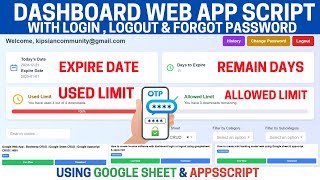
FREE019 is a login built to slow an attacker down and to leave a record of everyone who got in. Two things happen on a successful sign-in: the location it came from is written to the sheet, and that account is locked out of logging in again for the next two minutes.
Once an account has signed in, trying again immediately is refused with a message to wait two minutes and try again. The timer is per account, so one person's cooldown does not affect anybody else, and it lifts on its own. It is a simple, blunt throttle — the kind of thing that turns rapid repeated attempts from cheap into tedious, without any infrastructure behind it.
Every successful login writes the user ID, the time and the location it came from. When you look at the sheet you are not just seeing that somebody logged in, you are seeing where from — which is the detail that makes an unexpected entry noticeable. Worth knowing: the location is derived from the connection, so a VPN or a mobile network will report accordingly. The walkthrough shows exactly that, with the location changing as the presenter's VPN does.
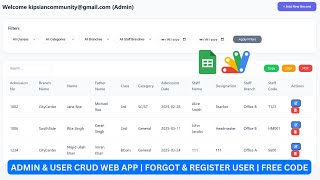
After login, the user lands on a main page you fill yourself. The walkthrough pastes an entire website's HTML into it and it renders, which is the point: this is a front door for something you have already built, not a dashboard you have to adopt.
Copy the sheet, change the sheet name in the one place the code refers to it, and deploy. The login screen is Bootstrap, so restyling it is ordinary CSS.
| Version | v1.0 |
| Published | Aug 22, 2025 |
| Platform | Google Apps Script |
| Database | Google Sheets |
| Category | Login & Authentication, CRUD & Dashboards |
| Tags | |
| Video | Watch walkthrough |
| License | Regular License |
Subscribe on YouTube, then verify with one click. No payment, no card. Google is used only to confirm your subscription.
What you get
Not subscribed yet? Subscribe to our channel
Extra modules, your branding, integrations or reports built on top of this file. You get a clear quote and timeline before any work starts, and support after delivery.
20–30% advance to start · Clear quote before work begins · Support after delivery
What we customize
Paid picks from the same category
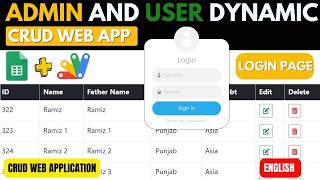
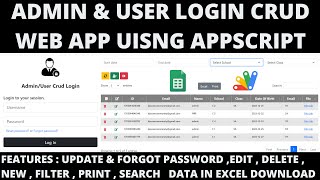
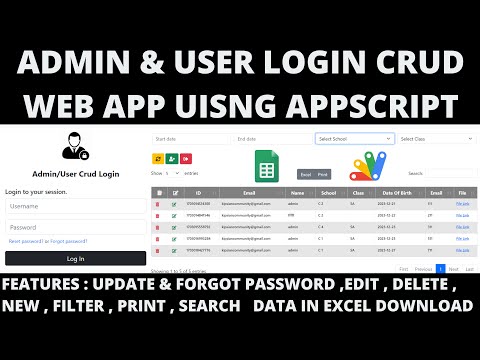 R12 | ADMIN & USER LOGIN CRUD WEB APP USING GOOGLE APP SCRIPT | LOGIN CRUD WEBAPP
30 views this month
R12 | ADMIN & USER LOGIN CRUD WEB APP USING GOOGLE APP SCRIPT | LOGIN CRUD WEBAPP
30 views this month
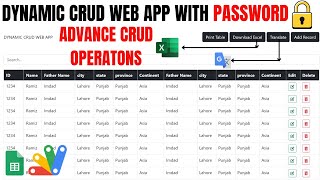
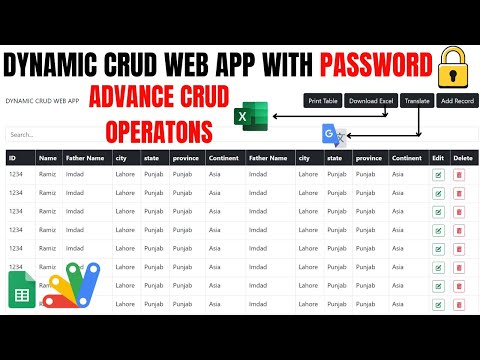 DYNAMIC CRUD WEB APP WITH PASSWORD🔒USING GOOGLE SHEETS & APPSCRIPT | R36
28 views this month
DYNAMIC CRUD WEB APP WITH PASSWORD🔒USING GOOGLE SHEETS & APPSCRIPT | R36
28 views this month
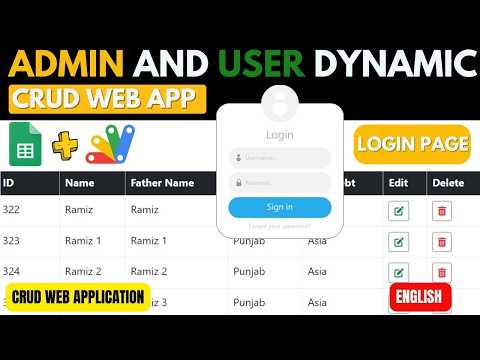 ADMIN & USER LOGIN DYNAMIC CRUD WEB APP USING GOOGLE APP SCRIPT | LOGIN CRUD WEBAPP | B13
28 views this month
ADMIN & USER LOGIN DYNAMIC CRUD WEB APP USING GOOGLE APP SCRIPT | LOGIN CRUD WEBAPP | B13
28 views this month
What buyers and YouTube viewers say about this project.
@pawangzp
via YouTube
 @yantopesu6683
via YouTube
@yantopesu6683
via YouTube
@yantopesu6683
via YouTube
@yantopesu6683
via YouTube
 @Hiddenfacts-boss
via YouTube
@Hiddenfacts-boss
via YouTube
 @ggbin8092
via YouTube
@ggbin8092
via YouTube
 @technicalpappuda5133
via YouTube
@technicalpappuda5133
via YouTube
 @talkwithtech07
via YouTube
@talkwithtech07
via YouTube
@talkwithtech07
via YouTube
@talkwithtech07
via YouTube
@talkwithtech07
via YouTube
@talkwithtech07
via YouTube
 @rajdipsarkar3363
via YouTube
@rajdipsarkar3363
via YouTube
@rajdipsarkar3363
via YouTube
@rajdipsarkar3363
via YouTube
@rajdipsarkar3363
via YouTube
@rajdipsarkar3363
via YouTube