Need a customized project? We build it to your exact requirements.Contact us on WhatsApp

Free Student Performance Dashboard with Login – Apps Script

C9 Education & School Premium Plan Weekly Plan VIP Premium Plan
❤️
Need a Custom Business Solution?
Connect with us on WhatsApp to discuss your requirements. Our team will design and develop a tailored software solution aligned with your business workflow, operational needs, and growth objectives.
How To Create Student Dashboard with Google Apps Script & Google Sheet | C9
You get
  • Google Sheet link
  • Source code file
  • Resale rights
  • Edit rights
  • Setup guide
  • AI setup help

Key Features

Username and password login from a Login sheet Dashboard scoped to the signed-in user's own records Class distribution chart Report summary showing total and obtained marks Speaking performance chart Reading performance chart Four different chart types on one screen Logout with a confirmation prompt Login rejected when the user is not in the sheet Chart colours and styling editable in the code Login and Report data held in two Google Sheets

Description

A student performance dashboard that turns rows of marks into charts. Each student or teacher signs in with their own username and password and sees only their own records, drawn live from Google Sheets.

Four views of the same data

The dashboard opens on a class distribution chart showing how a student's records spread across their classes, a report summary totalling marks obtained against marks possible, and separate speaking and reading performance charts. Four chart types are used deliberately, so the same figures read differently depending on the question you are asking — a trend, a share, a total.

Login that actually gates the data

Credentials live in a Login sheet. Sign in and the app looks up that username in the Report sheet and builds the charts from the rows that belong to it; a username with no matching report comes back empty rather than showing someone else's marks, and a username that is not in the Login sheet is refused outright. Logging out asks for confirmation first.

Who it suits

Schools and academies publishing marks to students, and teachers who want a per-class read on speaking and reading scores without building a spreadsheet chart by hand each term. Colours, chart types and styling are all editable in the code if you want the dashboard to match your institute.

Requirements

  • A Google account (Gmail or Google Workspace)
  • Google Sheets and Google Apps Script — no hosting or server needed
  • A Login sheet with usernames and passwords
  • A Report sheet keyed on the same usernames
  • A modern browser (Chrome, Edge, Firefox or Safari)

What's Included

  • Complete Google Apps Script source code
  • Dashboard front-end with the four charts
  • Login and Report sheet structure
  • Step-by-step video walkthrough of the setup
  • Free support from the developer

Item Details

Versionv1.0
PublishedAug 22, 2025
PlatformGoogle Apps Script
DatabaseGoogle Sheets
CategoryEducation & School
Tagsstudent performance dashboardstudent dashboard google sheetsdashboard google sheets template freestudent result management system google sheetsinteractive dashboard google sheetsstudent performance reportgoogle sheets dashboard with loginstudent marks chart google sheets
VideoWatch walkthrough
LicenseRegular License
Subscription Verification Required
This is a free file. Subscribe to our YouTube channel to unlock the source code + Google Sheet. One click — no payment. Google only confirms you are subscribed.
Verify Now
Free download

Subscribe & Unlock Source Code

Subscribe on YouTube, then verify with one click. No payment, no card. Google is used only to confirm your subscription.

What you get

  • Code.gs + HTML filesThe complete Apps Script project
  • Google SheetYour own copy with the data
  • Setup guideInstall steps from start to finish

Not subscribed yet? Subscribe to our channel

Browse More Free Files

Need This Customized For Your Business?

Extra modules, your branding, integrations or reports built on top of this file. You get a clear quote and timeline before any work starts, and support after delivery.

400+
Projects Delivered
91+
Countries Served

What We Customize

Features & Functions
Add new features, modify existing scripts, custom formulas & automations
API & Integrations
Connect with WhatsApp, Payment Gateways, CRM & more
Design & UI Changes
Custom branding, layout redesign, dark mode, mobile optimization
Full Custom Projects
Dashboards, billing systems, inventory, CRM — built from scratch
Get Free Quote on WhatsApp

20-30% advance to start • Clear quote before work begins • Support included after delivery

Free
Source Code File

People choose these

Paid picks from the same category

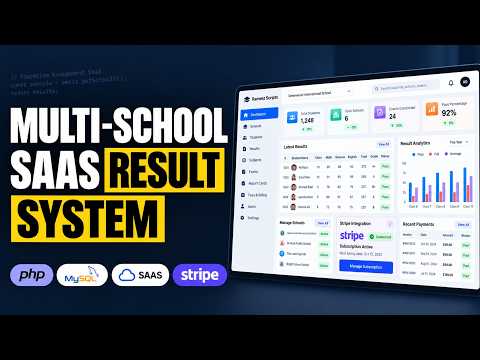
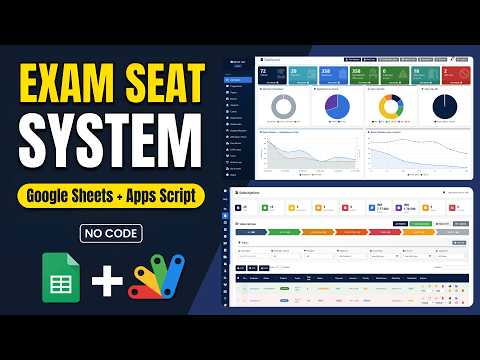
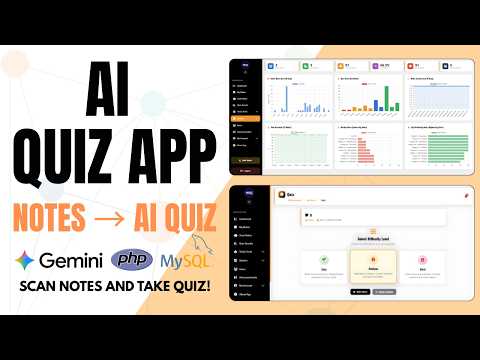
How to Build a Multi School Result Management System (SaaS) Using PHP MYSQL How to Build a Multi School Result Management System (SaaS) Using PHP MYSQL 184 views this month PHP School Exam Seating System | Google Apps Script + Sheets Dashboard School Exam Seating System | Google Apps Script + Sheets Dashboard 59 views this month Apps Script How to Build a Complete LMS with AI Quizzes, Leaderboard & Study Planner How to Build a Complete LMS with AI Quizzes, Leaderboard & Study Planner 91 views this month PHP

Reviews & Feedback

What buyers and viewers say about How To Create Student Dashboard with Google Apps Script & Google Sheet | C9.

No star ratings yet Tap a star to be the first to rate it.
3 comments from
YouTube viewers
Sort
@sunny-uw9mw via YouTube
Subscibe done
@Santosh-xu9ul via YouTube
in C column Report meaning ?
@muhammadzayd3761 via YouTube
subscribe done